
When you forward an email to support for analysis, we need the complete message including headers. The easiest way is to forward the emails as attachments. See below for instructions how to forward an email as attachment in Apple Mail, Thunderbird, Outlook and Webmail:
Apple Mail
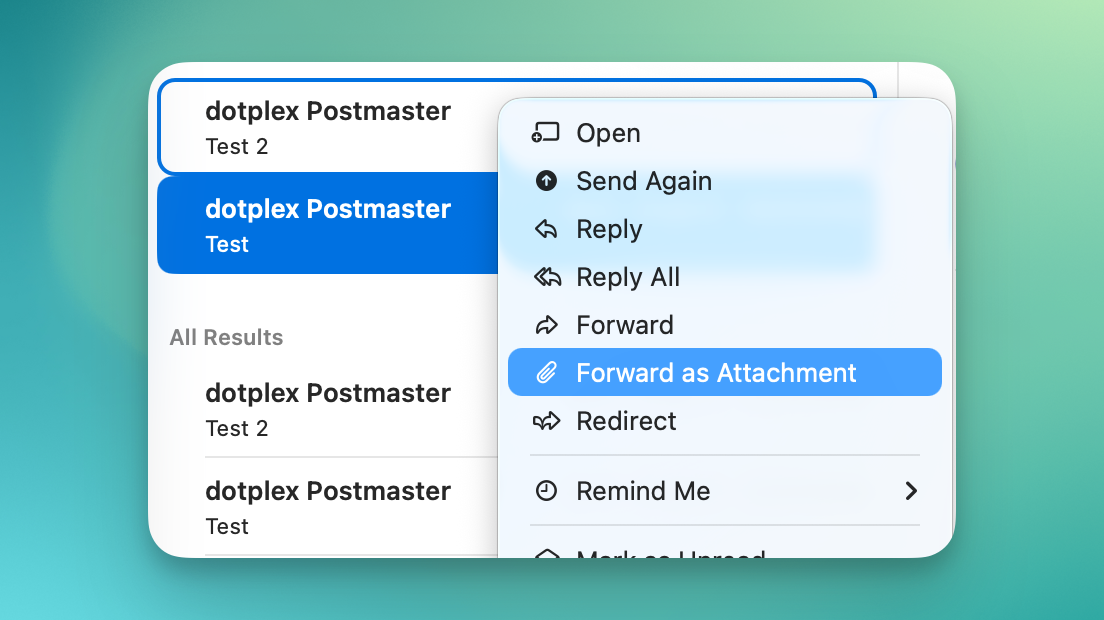
Select one or multiple emails, right click (or CTRL-click, or on a MacBook press two fingers on the trackpad) and select 'Forward as Attachment':
Thunderbird
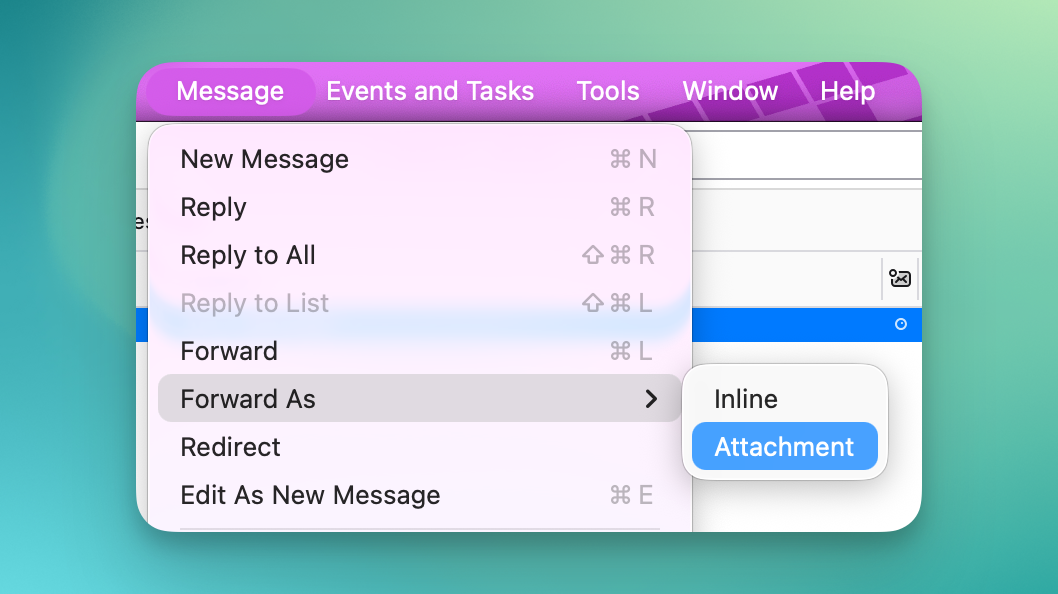
Select one or multiple emails, click 'Message' in the menu bar and select 'Forward as Attachment' -> 'Attachment':
Outlook (Classic)
In the menu bar on top of the message, click 'Forward' -> 'Forward as attachment':
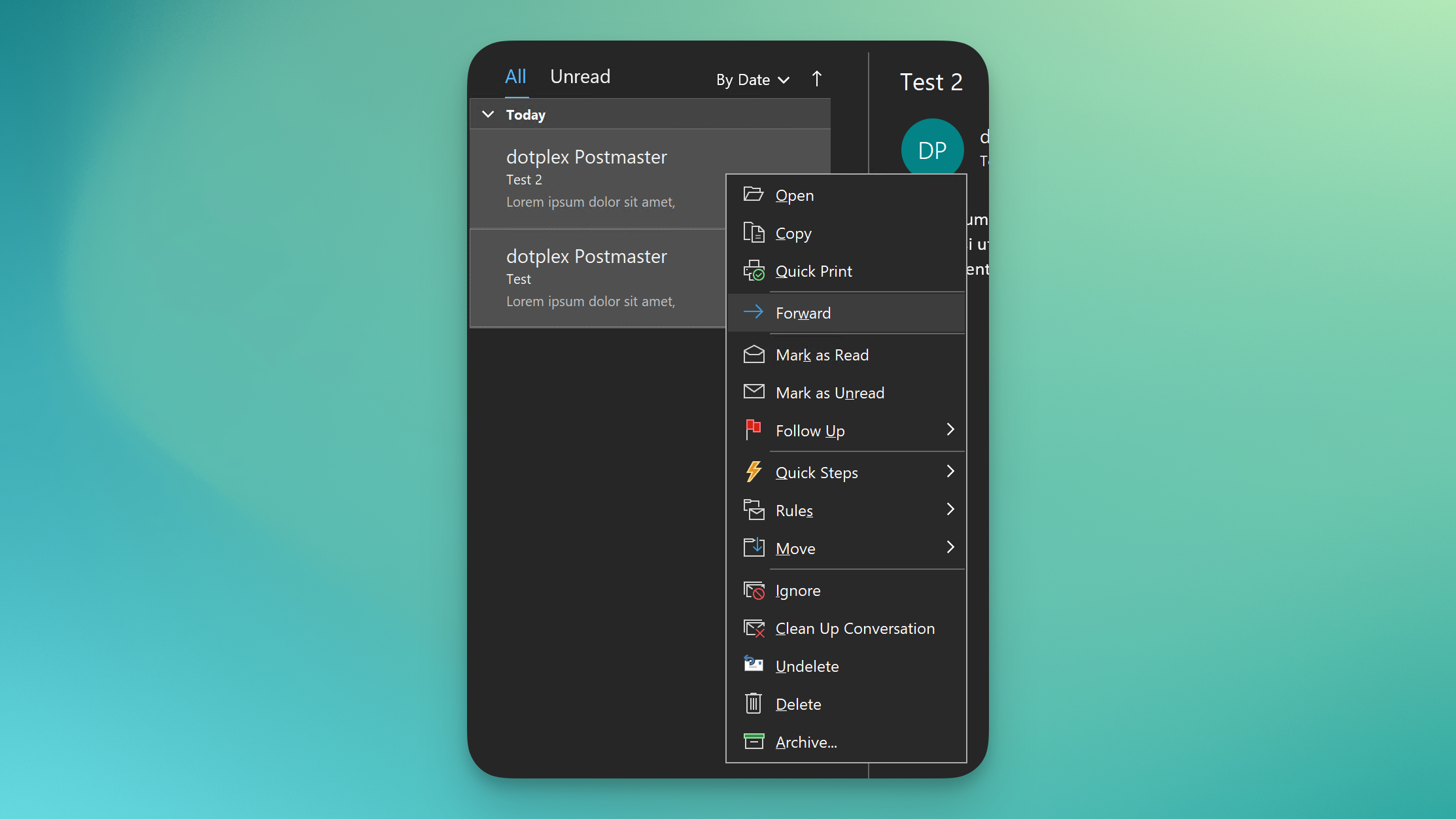
Or select multiple messages, right-click and select 'Forward':
Outlook (New)
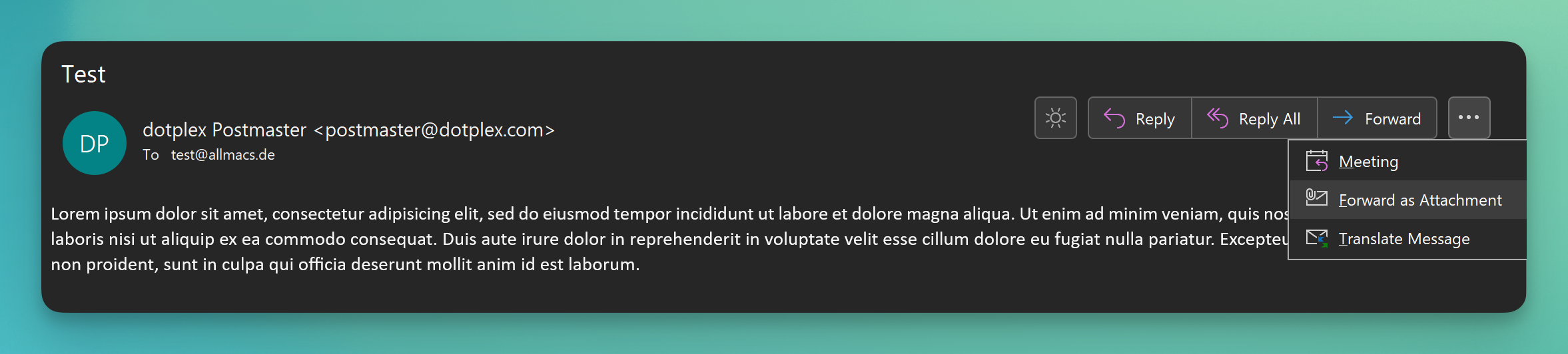
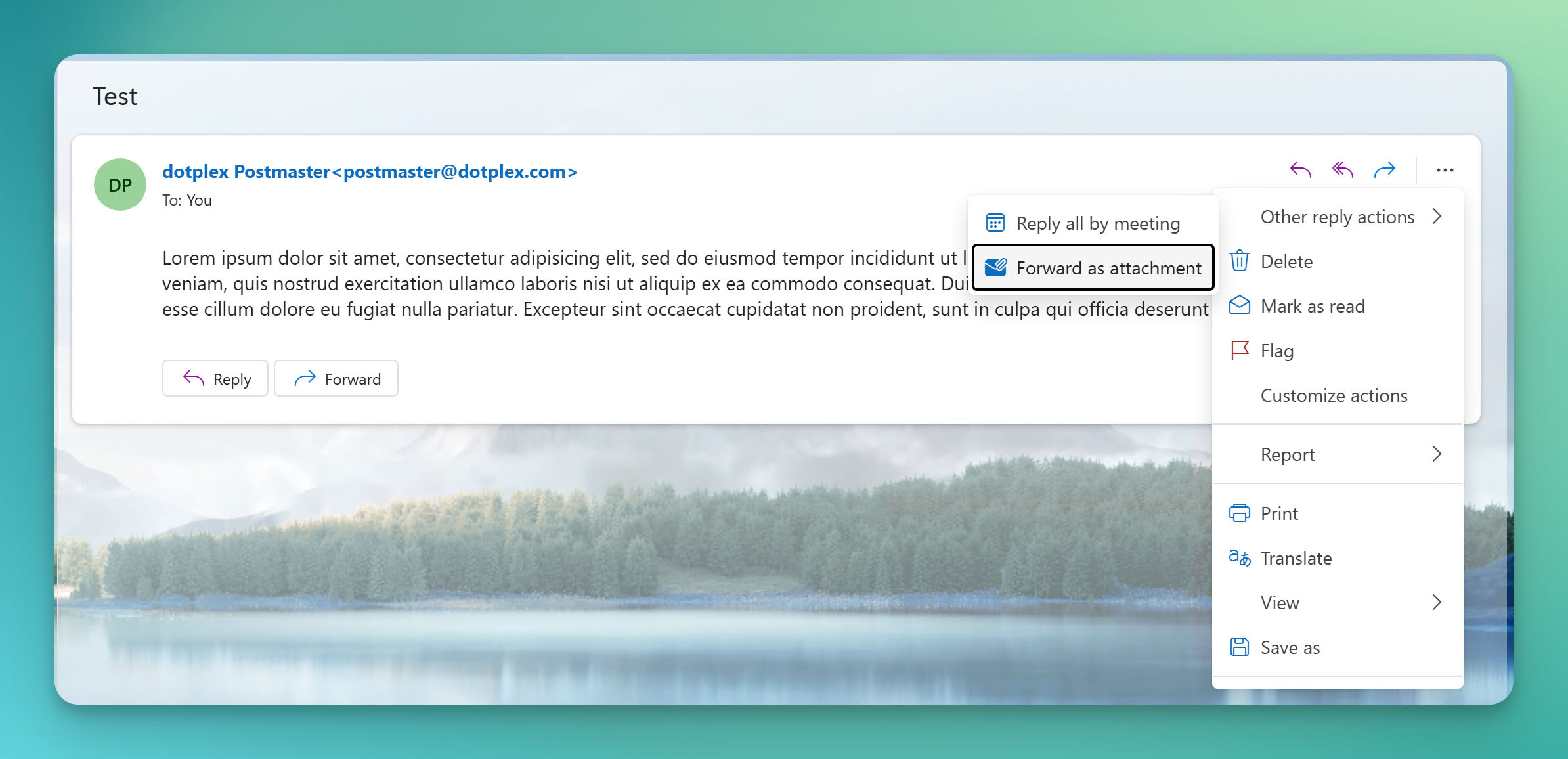
In the menu bar on top of the message, click 'Other reply actions' -> 'Forward as attachment':
Outlook (Mac)
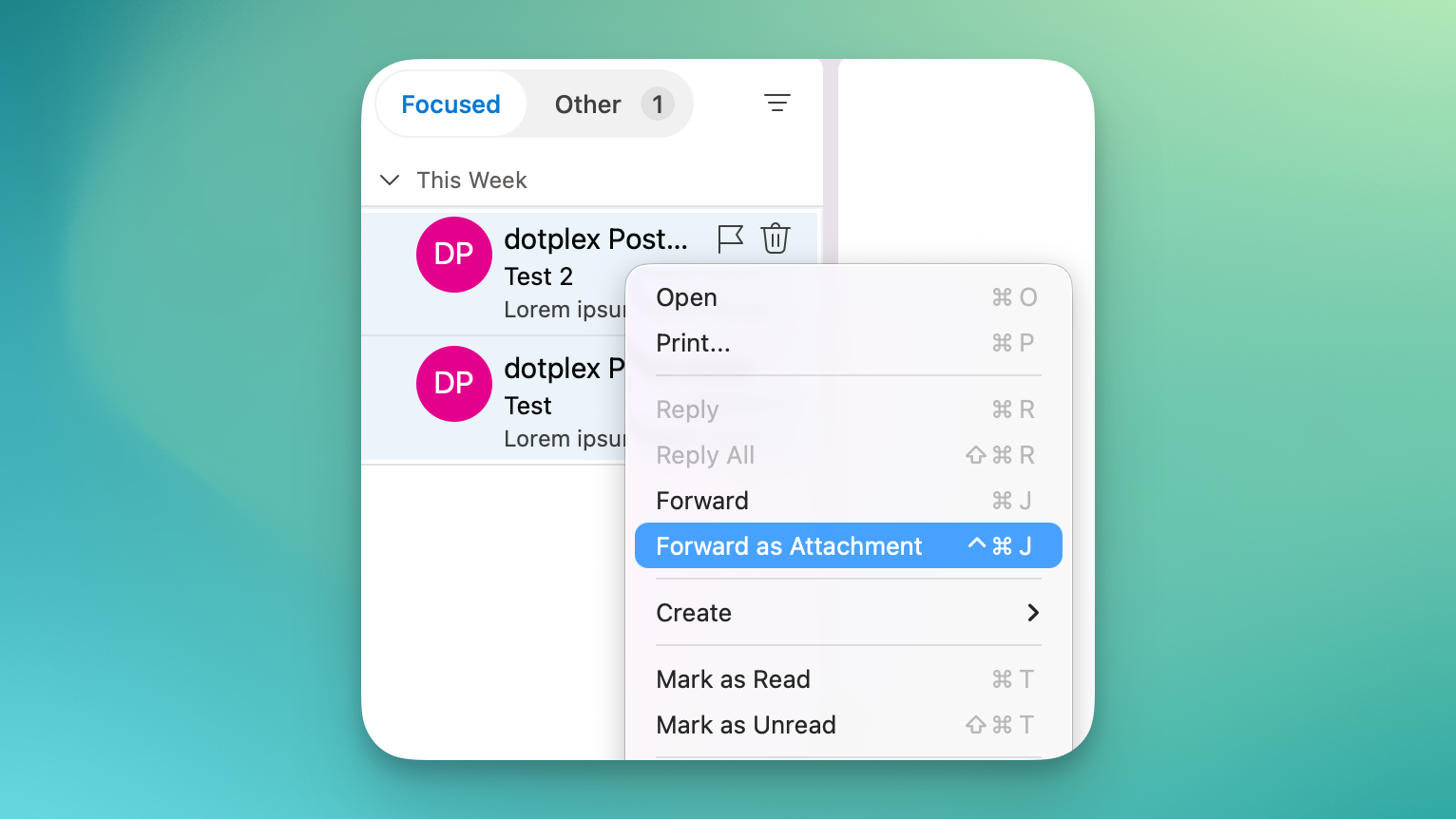
Select one or multiple emails, right click (or CTRL-click, or on a MacBook press two fingers on the trackpad) and select 'Forward as Attachment':
Webmail
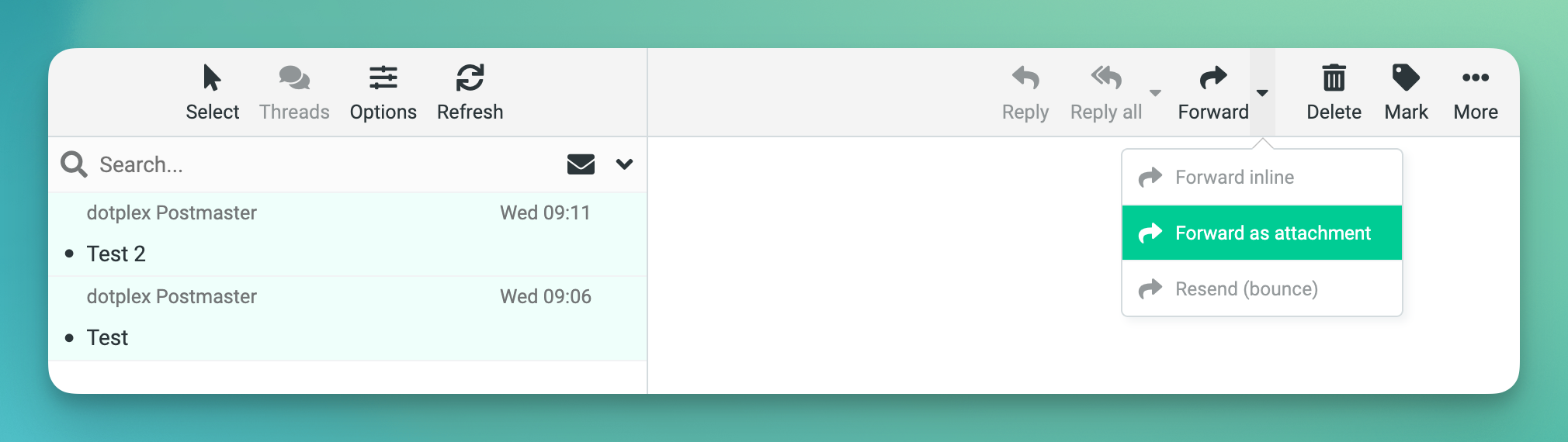
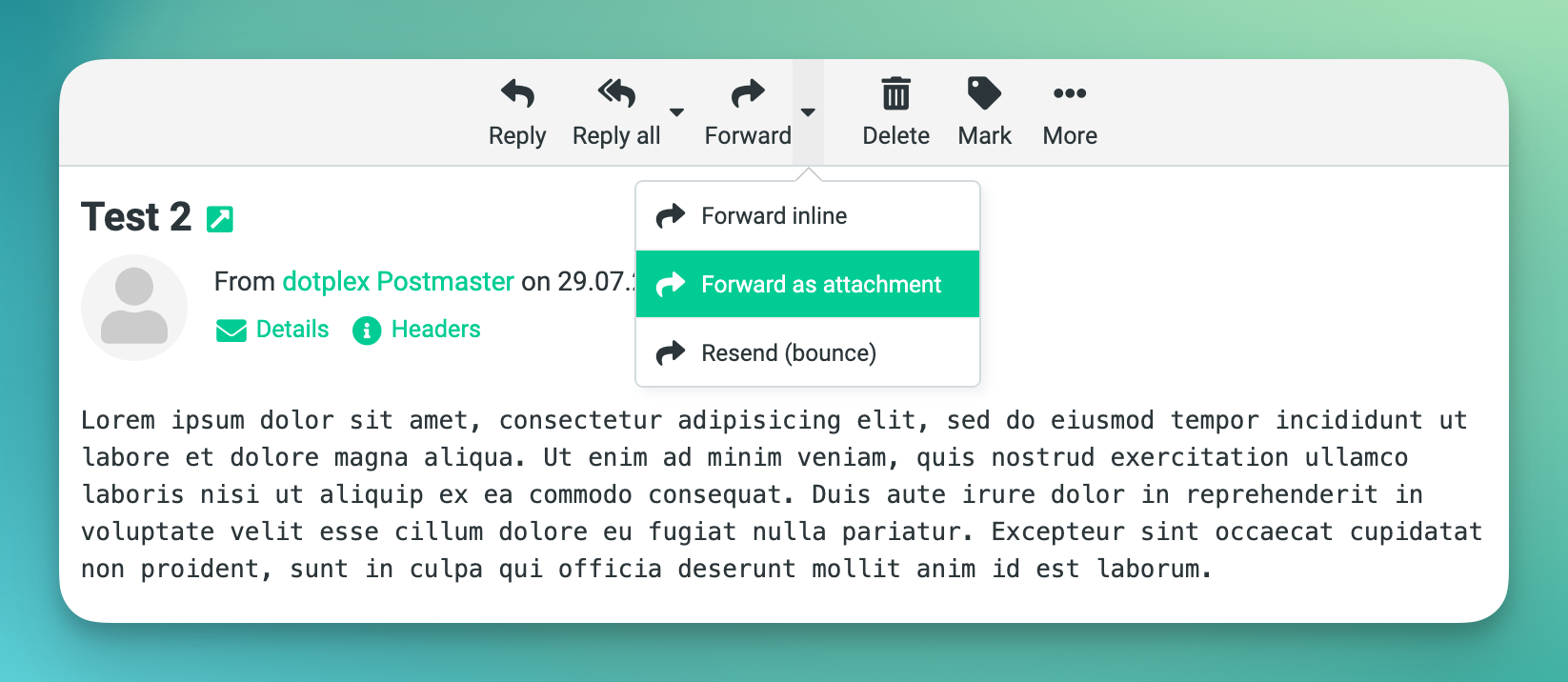
In the menu bar on top of the message, click 'Forward' -> 'Forward as attachment':
Or select multiple messages, and in the menu bar to the right, click 'Forward' -> 'Forward as attachment':